Understanding Your Booking Confirmation
Your confirmation email has everything you need on pick-up day. Check the details as soon as it arrives, and keep it handy.
We email your confirmation when you book. If you can't find it, check your junk mail folder. Save the email somewhere easy to find on pick-up day.
Your confirmation lists:
- your confirmation code
- booking details
- driver details
- items required for pick-up
- confirmed extras
- special instructions
- a link to manage your booking
- contact details for DriveNow's car hire team
Booking Details
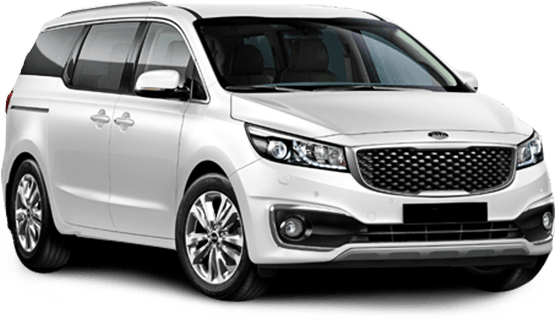
This section shows the vehicle group you booked, the branch locations and your pick-up and return times. Under the vehicle group, you'll see the transmission of the cars in the group and the kilometre allowance for your hire.
Driver Details
This section shows your name, contact number and flight number, if you entered one when you booked. If you're collecting from an airport, adding your flight number helps the rental company hold your car if your flight is delayed. See late pick-ups and delayed flights.
Items Required for Pick-up
This section lists what to bring on pick-up day. Our required documents checklist explains each item.
Confirmed Extras
This section shows extras you requested when you booked, such as child seats, a GPS or snow chains. You can also add these at the branch when you collect the car, subject to availability. See optional extras.
Manage My Booking
Use the Modify My Booking link on your confirmation to manage or cancel your booking. Our guide to cancelling your reservation explains the steps.
Next steps
- Making payment: what you pay at the branch and which cards are accepted
- Picking Up Your Car: what to expect at the counter
Part of Managing Your Booking in the Car Hire Handbook.